
Amrudin Ćatić
Strategy, creativity, and technology are combined to craft digital experiences that perform. Smart marketing meets creative execution, always focused on growth, problem-solving, and real impact.
I tested 17 AI assistants in one week – Only 3 didn’t waste my time
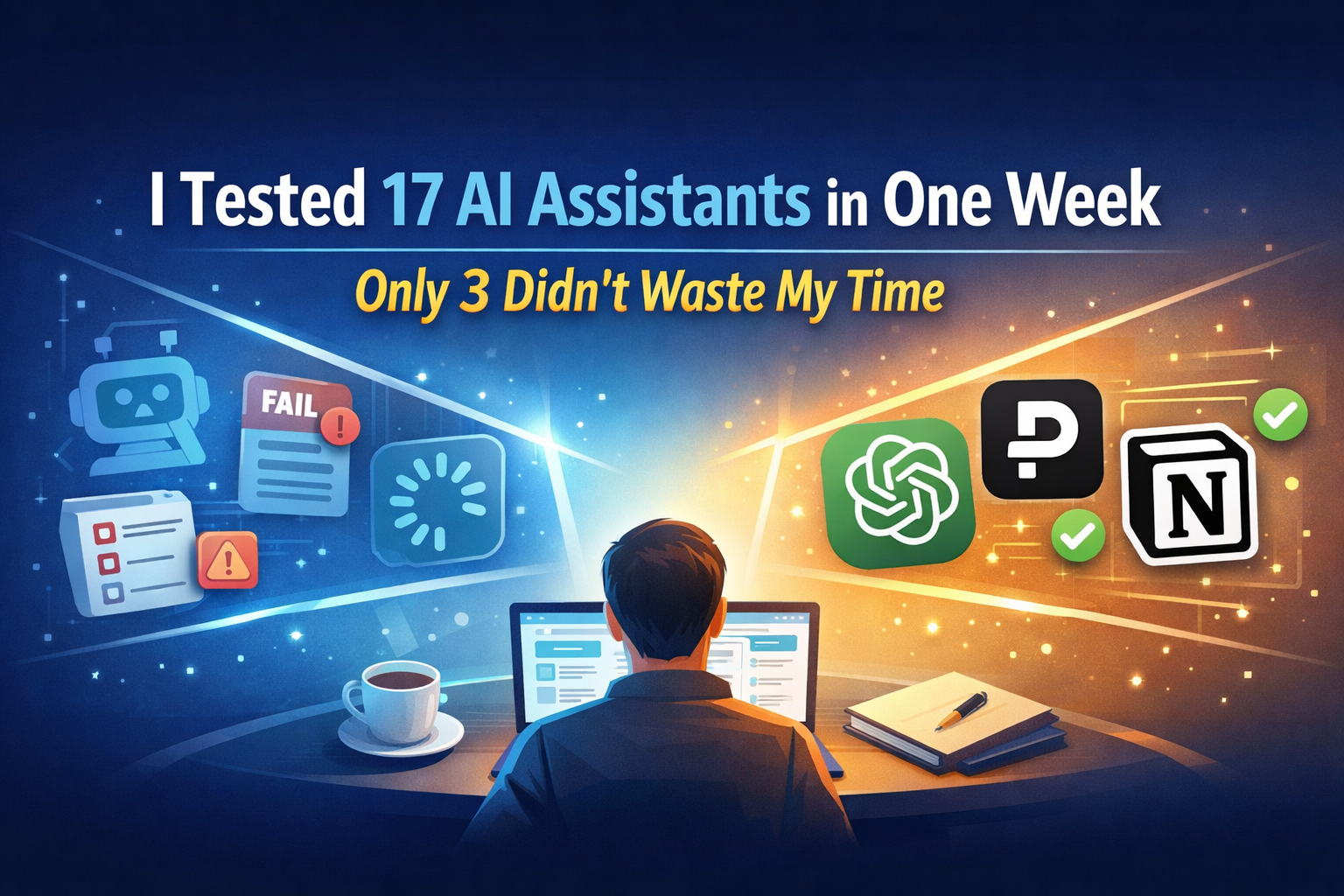
I tested 17 AI assistants in one week to find out which ones actually save time. Here’s the honest breakdown of what worked, what failed, and which 3 are truly worth using.
Why I decided to test 17 AI assistants in one week
Artificial intelligence tools are everywhere. Every week, a new AI assistant claims to boost productivity, write better content, or automate work in seconds. But after hearing the same promises again and again, I decided to stop trusting the hype.
So I ran a real experiment.
For one full week, I used 17 different AI assistants across writing, research, productivity, coding, and daily tasks. My goal was simple: find out which tools actually help and which ones just sound smart.
The result was surprising. Most tools didn’t fail because they were “bad.” They failed because they wasted time, required too much correction, or added friction instead of removing it. By the end of the week, only three AI assistants earned a permanent place in my workflow.
This article shares exactly what happened, what I tested, and what you should look for before trusting any AI assistant with your time.
How I tested the AI assistants (my criteria)
Before starting, I set clear rules. Each AI assistant had to perform real-world tasks, not demo-friendly prompts.
Tasks every AI assistant had to handle
- Write short and long-form content
- Summarize articles and videos
- Answer research-based questions
- Generate ideas quickly
- Follow instructions accurately
Evaluation Criteria
| Criteria | What I looked for |
|---|---|
| Speed | Did it respond quickly without lag? |
| Accuracy | Were answers correct and useful? |
| Clarity | Did it understand instructions clearly? |
| Output Quality | Was the result usable without heavy edits? |
| Time Saved | Did it actually reduce my workload? |
If a tool slowed me down, it was out, no matter how popular it was.
What most AI assistants got wrong
After testing all 17 tools, clear patterns appeared. The biggest problem wasn’t intelligence, it was efficiency.
1. Overly generic responses
Many tools produced content that looked good at first glance but lacked depth. I still had to rewrite most of it, which defeated the purpose.
2. Poor context understanding
Some assistants forgot instructions mid-task or ignored constraints entirely. This caused repeated corrections.
3. Feature overload
A few tools tried to do everything at once: chat, plan, design, analyse, but ended up doing nothing well.
4. False productivity
Several AI assistants felt productive because they generated lots of text quickly, but the output wasn’t practical or accurate.
By midweek, I stopped using most of them entirely.
The 3 AI assistants that didn’t waste my time
After testing 17 tools back-to-back, only three AI assistants consistently delivered useful results without slowing me down. These tools didn’t just generate text, they actually fit into real workflows.
1. ChatGPT (Best overall AI assistant)
ChatGPT stood out as the most reliable all-around AI assistant. It handled writing, brainstorming, explanations, and structured tasks better than any other tool I tested.
Why it worked:
- Strong instruction-following
- High-quality first drafts
- Excellent balance between speed and accuracy
- Useful for content, planning, learning, and problem-solving
If you need one AI assistant that can adapt to almost any task, ChatGPT is still the safest and most efficient choice.
2. Perplexity AI (Best for research & summaries)
Perplexity AI excelled where most tools failed: research accuracy. Instead of vague answers, it provided concise, source-backed summaries that saved real time.
Why it worked:
- Clear citations and references
- Accurate summaries of complex topics
- Minimal fluff or filler
- Ideal for fact-checking and quick learning
When I needed fast, trustworthy information, Perplexity AI consistently outperformed the rest.
3. Notion AI (Best for productivity & organization)
Notion AI wasn’t flashy—but it was effective. Integrated directly into notes and documents, it helped organize ideas, summarize meetings, and turn messy thoughts into clean structure.
Why it worked:
- Seamless integration into daily workflow
- Great for task planning and documentation
- Helps organize, not overwhelm
- Saves time without distraction
For people managing projects, notes, or content systems, Notion AI quietly delivers real productivity gains.
Why these three stood out
All three tools shared one important trait:
They reduced friction instead of adding it.
They required fewer corrections, produced usable output faster, and respected my time, something most AI assistants failed to do.
Key lessons I learned from testing 17 AI assistants
AI is a tool, not a shortcut
If you expect AI to replace thinking, you’ll be disappointed. The best tools support thinking, not replace it.
Simple beats powerful
The assistants who did fewer things, but did them well, were far more useful.
Your time is the real cost
Free or cheap tools can still be expensive if they waste hours fixing bad output.
How to choose the right AI assistant for you
Before committing to any AI tool, ask yourself:
- Does it solve one clear problem well?
- Does it reduce edits and corrections?
- Can I trust its output 80–90% of the time?
If the answer is no, keep looking.
Most people use AI wrong by obsessing over perfect prompts instead of systems that actually save time and scale productivity. In “Everyone uses AI wrong: why micro-automations beat prompts,” it breaks down how tiny, repeatable AI-powered workflows outperform one-off interactions, turning busywork into compounding leverage and freeing you to focus on high-impact decisions.
Frequently asked questions (FAQs)
1. Are AI assistants really worth using?
Yes, but only the right ones. Most tools overpromise and underdeliver.
2. Why did most AI assistants fail your test?
They wasted time through poor accuracy, generic output, or confusing interfaces.
3. Can one AI assistant do everything?
No. Specialized tools usually perform better than all-in-one platforms.
4. Is free AI software good enough?
Some free tools are useful, but paid versions often save more time.
5. How long should I test an AI tool before deciding?
At least 2–3 days of real-world tasks.
6. Will AI assistants replace human work?
They enhance productivity but still require human judgment and creativity.
Final thoughts: Was the experiment worth it?
Absolutely.
Testing 17 AI assistants in one week saved me countless hours in the long run. I now know exactly which tools deserve my attention, and which ones don’t.
If you’re overwhelmed by AI options, don’t chase trends. Focus on tools that respect your time, deliver usable output, and fit your workflow.
Sometimes, less really is more.