
Amrudin Ćatić
Strategy, creativity, and technology are combined to craft digital experiences that perform. Smart marketing meets creative execution, always focused on growth, problem-solving, and real impact.
5 processes no founder realizes they can automate (but should have yesterday): The game-changing efficiency guide
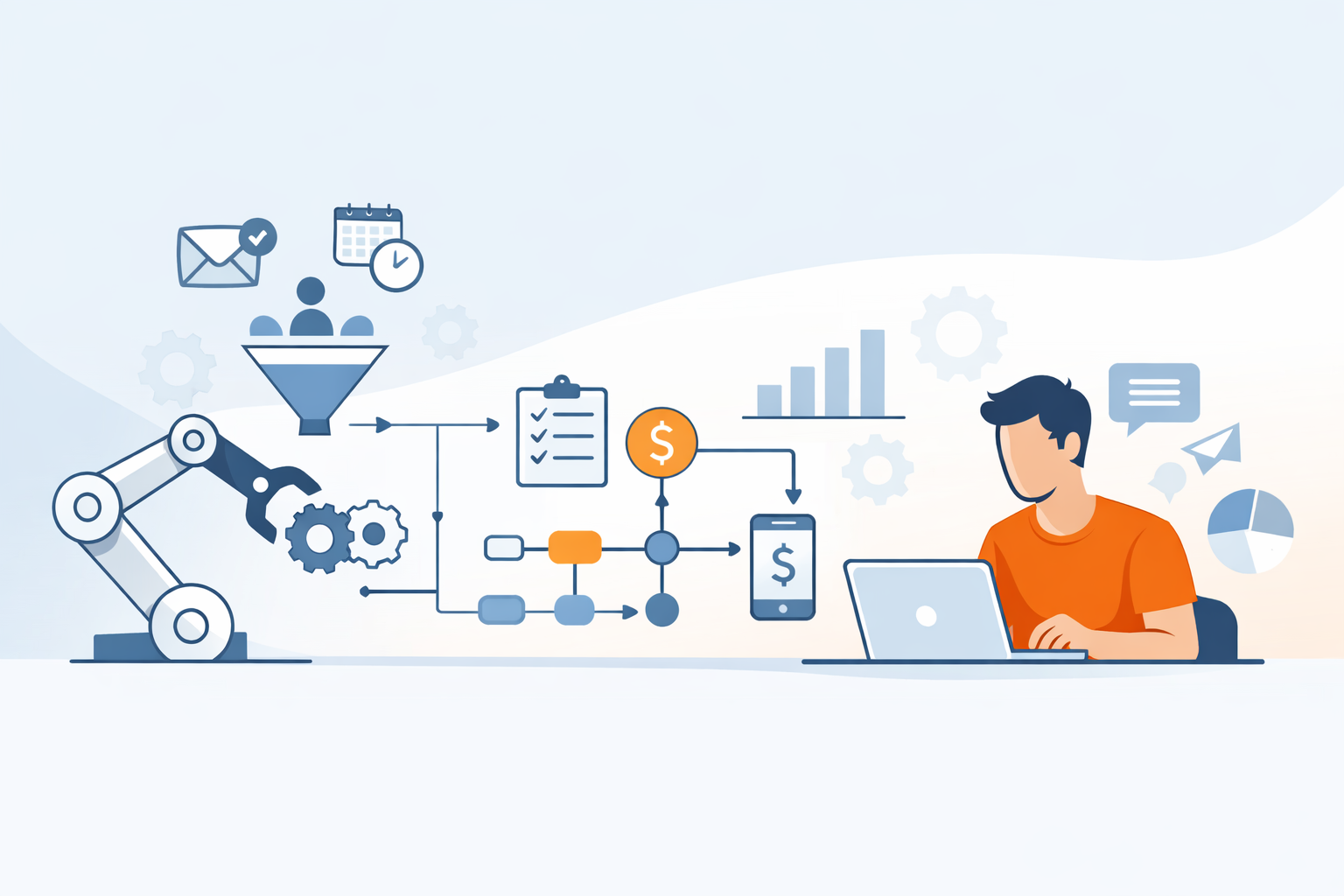
Running a startup feels like juggling flaming torches while riding a unicycle, doesn’t it? You’re selling, hiring, marketing, answering emails, managing invoices, and somehow expected to “scale.” The truth is, many founders don’t fail because of bad ideas. They burn out because they’re doing too much manually.
In this guide, we’ll break down 5 processes no founder realises they can automate (but should have yesterday), and show you exactly how to reclaim your time, improve accuracy, and grow faster without hiring a massive team.
Let’s dive in.
Why founders struggle with automation
Automation sounds simple. But most founders delay it. Why?
The “I’ll do it myself” trap
Early-stage entrepreneurs wear every hat. It feels faster to handle tasks yourself rather than set up systems. But here’s the catch, what’s “faster today” becomes a bottleneck tomorrow.
Manual processes grow heavier as your customer base grows.
The hidden cost of manual work
Time is your most expensive resource. Every hour spent sending invoices or scheduling calls is time not spent on strategy, partnerships, or product improvement.
Automation doesn’t replace your leadership, it amplifies it.
Process #1: Lead capture and follow-up automation
This is the first of the 5 processes no founder realises they can automate (but should have yesterday), and it’s a big one.
Email sequences and CRM workflows
Imagine every new lead receiving:
- A welcome email
- A value-driven follow-up
- A reminder message
- A booking link
All without you lifting a finger.
Customer Relationship Management (CRM) systems can trigger automated workflows the moment someone fills out a form. Tools like Zapier even connect multiple apps together so your systems talk to each other.
No more forgotten leads. No more sticky notes.
Automated appointment scheduling
Back-and-forth emails to find a meeting time? Gone.
Scheduling tools sync with your calendar and let clients book instantly. Confirmations and reminders go out automatically. That alone can save hours per week.
Process #2: Client onboarding and documentation
Onboarding is exciting but repetitive.
Contracts and digital signatures
Sending contracts manually is outdated. Automation platforms can:
- Send agreements instantly
- Collect signatures
- Store documents securely
- Notify you when signed
No chasing clients.
Welcome sequences and setup checklists
Once a client signs, automation can:
- Send onboarding emails
- Deliver login credentials
- Assign internal tasks to your team
- Share helpful guides
Your client feels supported. Your team stays organised.
Process #3: Invoicing and payment reminders
Money conversations are awkward. Automation removes emotion from the equation.
Recurring billing systems
If you offer subscriptions or retainers, recurring billing tools:
- Generate invoices automatically
- Process payments
- Send receipts
- Update accounting software
No more monthly manual work.
Automatic late payment notifications
Instead of uncomfortable follow-up emails, systems send polite reminders automatically.
This improves cash flow and reduces stress.
Process #4: Social media and content distribution
Consistency builds trust, but posting daily is exhausting.
Scheduled posting tools
You can batch-create content and schedule it weeks in advance. Automation tools:
- Post across multiple platforms
- Recycle evergreen content
- Analyze engagement data
Your brand stays active even while you sleep.
Repurposing content automatically
One blog post can turn into:
- Email newsletters
- LinkedIn posts
- Instagram captions
- Short-form video scripts
Automation tools can repurpose long-form content into multiple formats instantly.
Smart, right?
Process #5: Internal task management and team communication
This is one of the most overlooked areas.
Workflow automation platforms
When a sale happens:
- A task gets assigned
- A Slack message is sent
- A project board is updated
- A deadline is created
All triggered automatically.
No confusion. No miscommunication.
If you want to outpace generic link-building hacks and actually move search rankings, check out this practical guide on SERP insight guest post strategy. It breaks down how analyzing search engine results pages (SERPs) before you write and then publishing that data-informed content on authoritative sites creates backlinks that not only pass authority but also align with real search intent, boost organic visibility, and drive targeted referral traffic.
Automated reporting dashboards
Instead of manually compiling performance reports, dashboards:
- Pull data from multiple systems
- Update in real-time
- Visualise KPIs clearly
You see what’s working instantly.
Tools that make automation easy
You don’t need to code.
Modern automation tools integrate easily with:
- Email marketing platforms
- CRMs
- Payment systems
- Project management software
- Social media platforms
Most offer drag-and-drop workflow builders.
Start small. Automate one process at a time.
Common automation mistakes to avoid
Automation is powerful, but only when done correctly.
Avoid these pitfalls:
- ❌ Automating broken processes
- ❌ Overcomplicating workflows
- ❌ Ignoring human touchpoints
- ❌ Not testing before launch
- ❌ Failing to monitor performance
Automation should enhance relationships, not eliminate them.
FAQs
1. Is automation expensive for startups?
Not anymore. Many tools offer affordable monthly plans. The time saved often outweighs the cost.
2. Will automation make my business feel impersonal?
Not if done correctly. Personalised email sequences and triggered messages can actually feel more attentive.
3. How do I know what to automate first?
Start with repetitive, rule-based tasks that happen daily or weekly.
4. Do I need technical skills to automate processes?
Most modern platforms require no coding knowledge. They use visual builders.
5. How long does it take to set up automation?
Basic workflows can be built in a few hours. More complex systems may take a few days.
6. What’s the biggest benefit of automation?
Time freedom. Automation allows founders to focus on growth and strategy instead of repetitive admin tasks.
Conclusion
The difference between overwhelmed founders and scalable CEOs isn’t effort, it’s systems.
If you implement even two of the 5 processes no founder realises they can automate (but should have yesterday), you’ll immediately notice:
- Fewer repetitive tasks
- Faster response times
- Improved client experience
- Better cash flow
- Less stress
Automation isn’t about replacing yourself. It’s about multiplying your impact.
And honestly? The best time to automate was yesterday. The second-best time is today.